A two-year journey building LEGO SPIKE Prime robots with scholars, from an RC car inspired by a TikTok video, to a PID line-follower, to a gripper game designed by the scholars themselves.
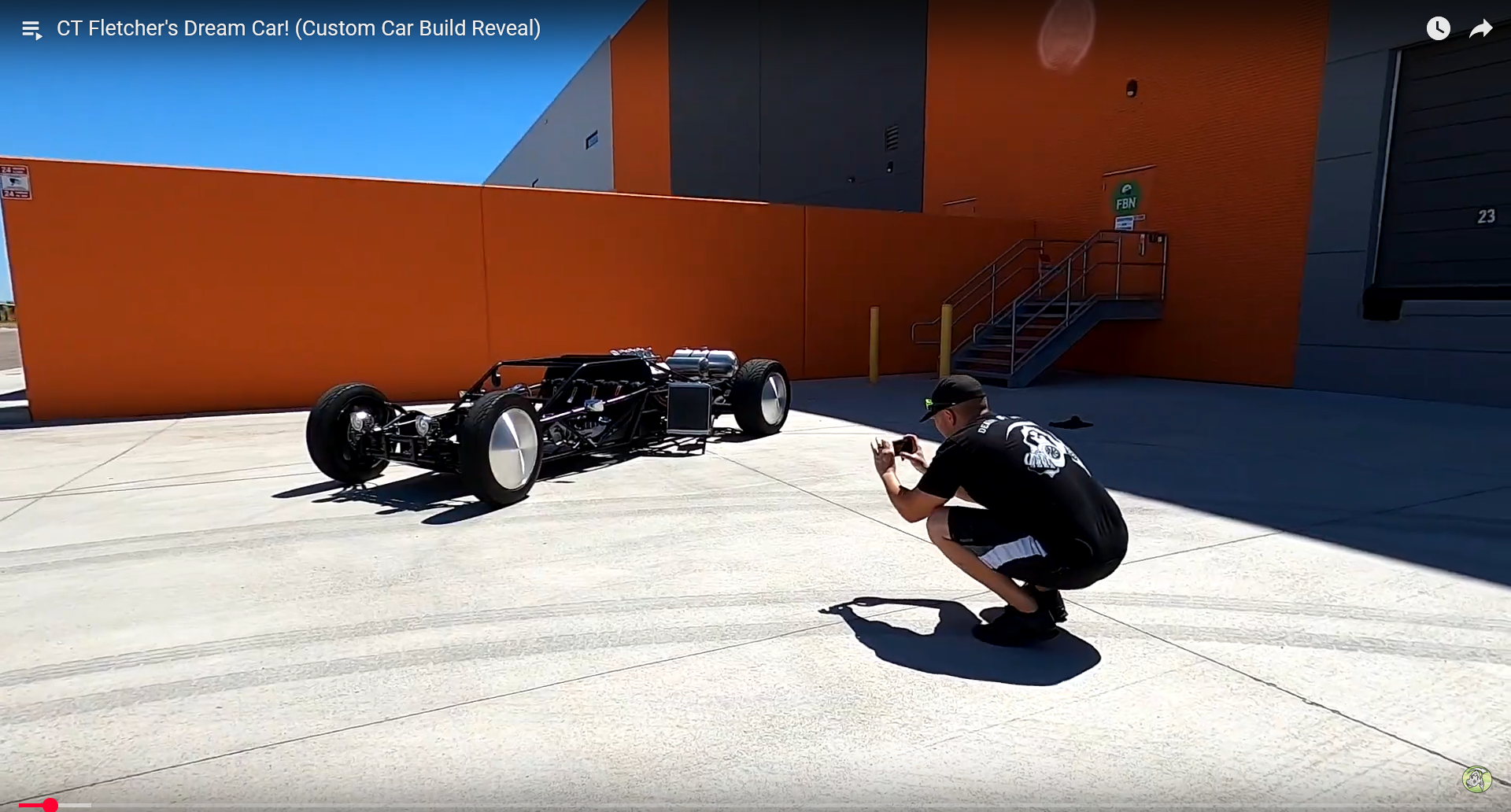
A scholar pulled out his Chromebook and showed a TikTok video of someone’s project car. The other scholars leaned in. They liked it.
The TikTok video that sparked the project
I asked them to find LEGO builds similar to what they saw. Over the next few sessions, we built it piece by piece: rear drive, steering, motors, and ultrasonic sensors that doubled as headlights.
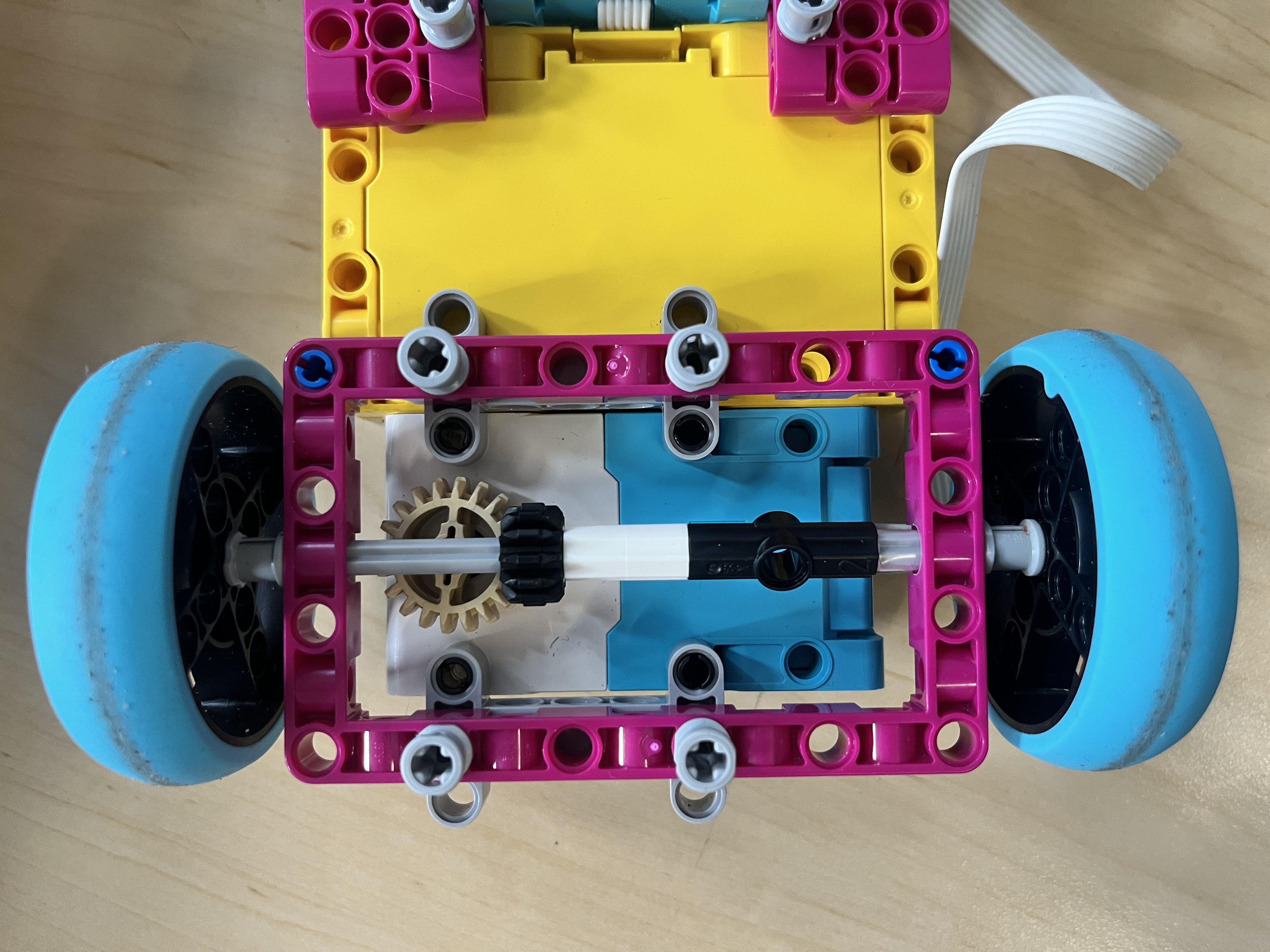
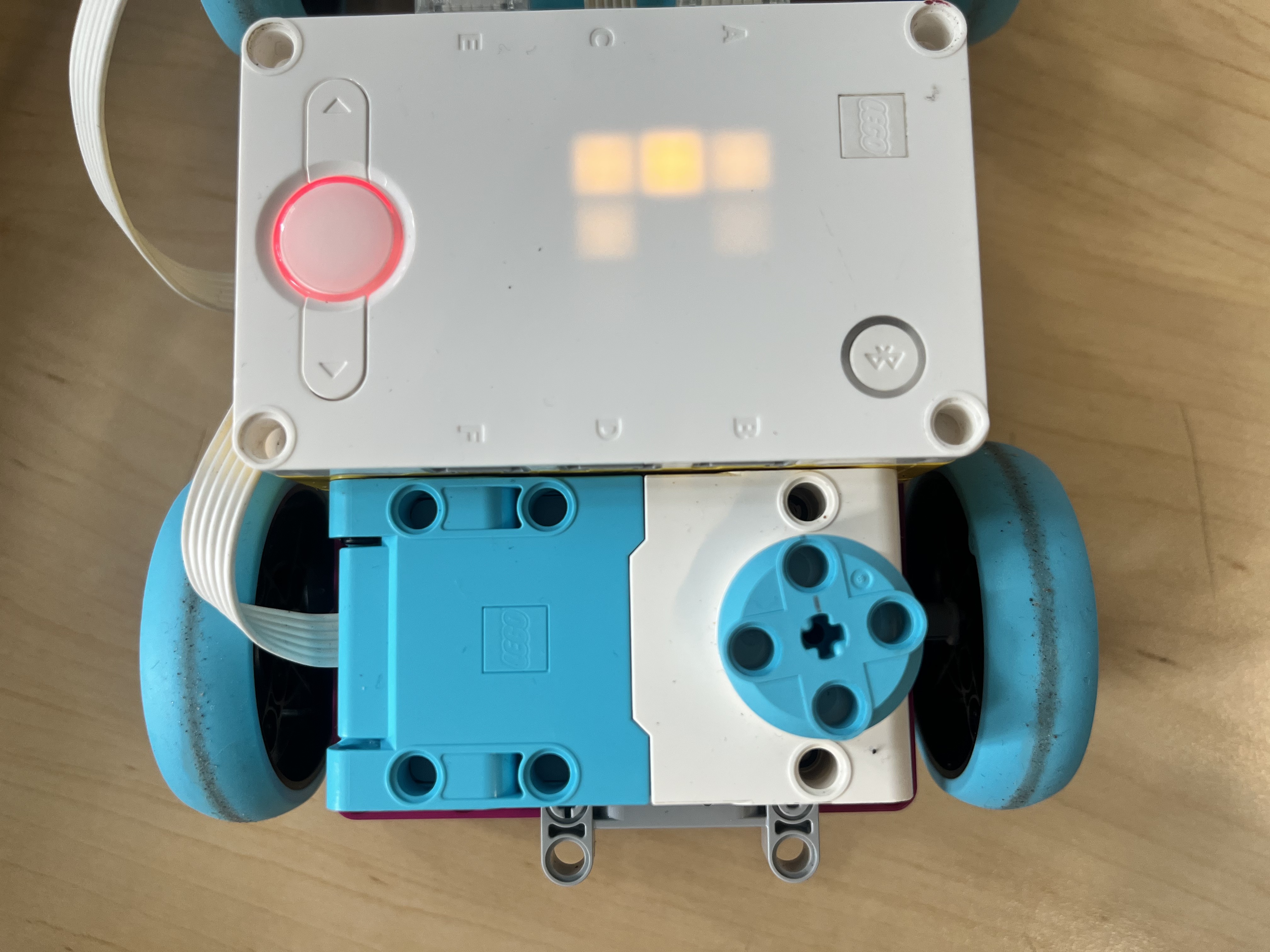
Rear wheel drive and gear setup
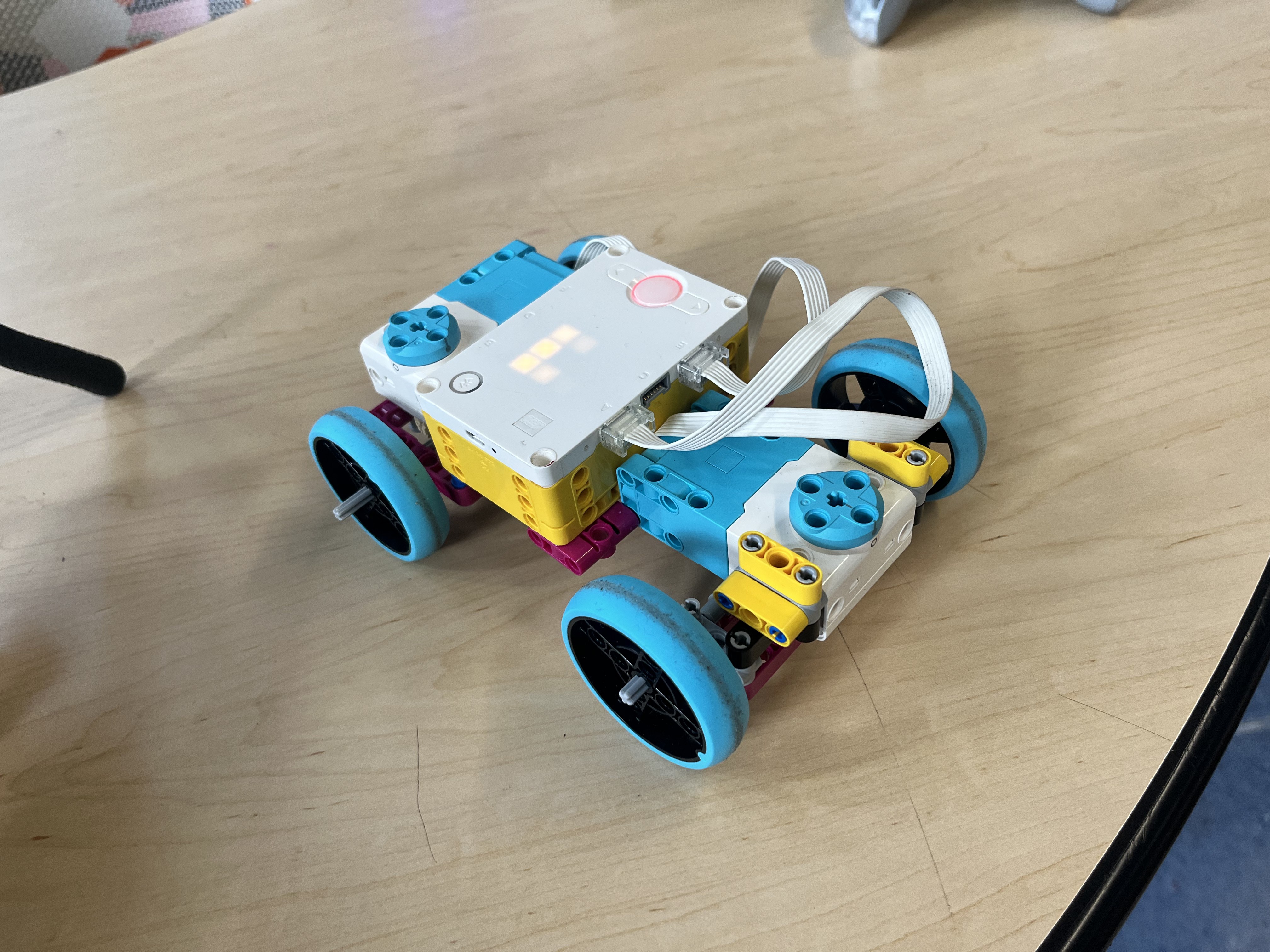
Almost complete, waiting on the ultrasonic sensors
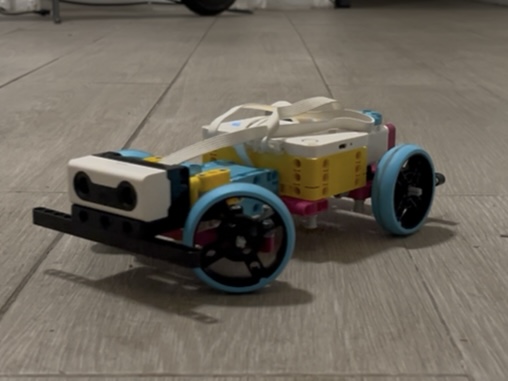
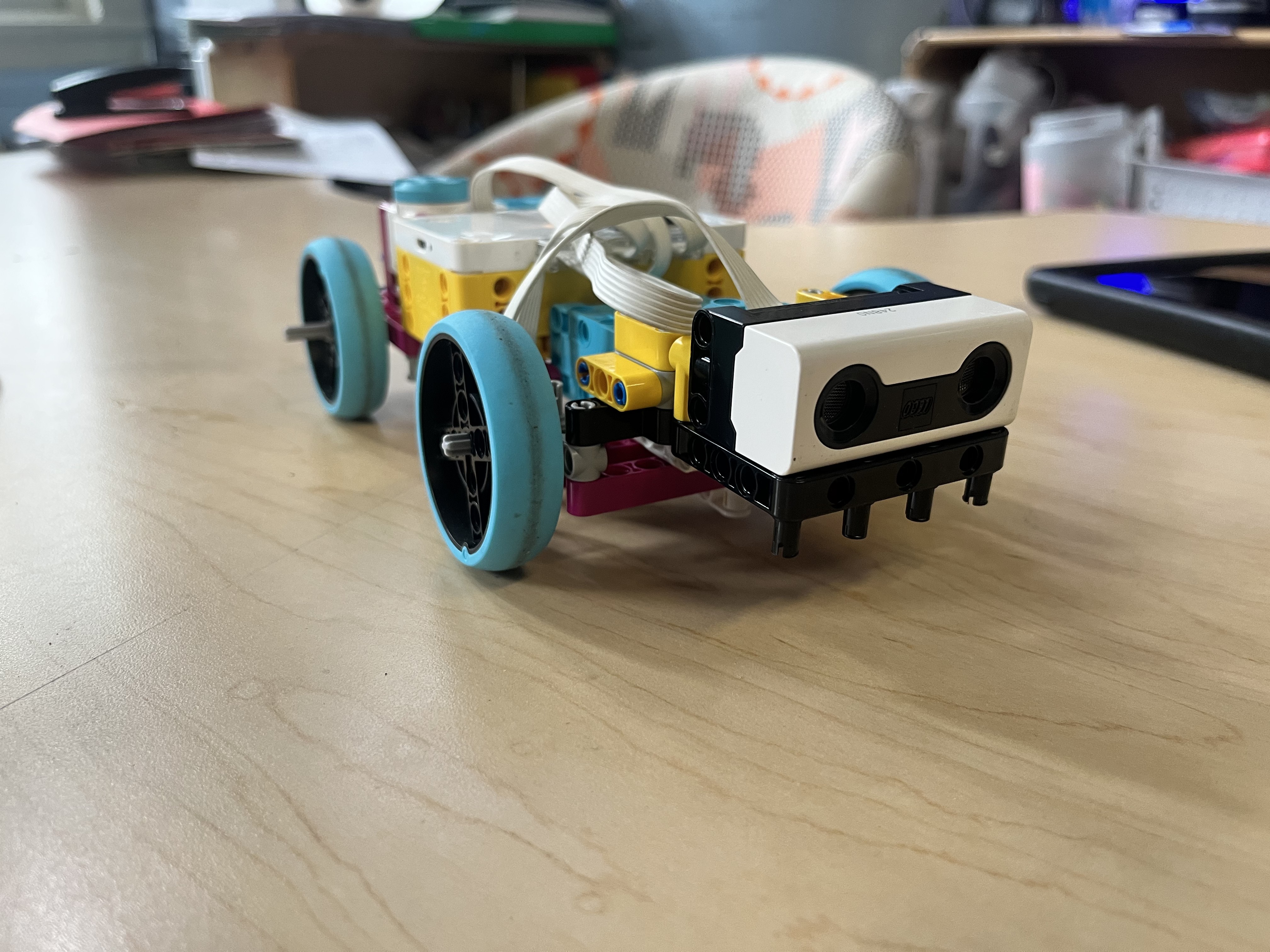
The finished robot
When the hardware was done, I walked them through the Python programming and controller setup. We tested the ultrasonic sensors configured as headlights, cycling through four modes: Off, Low, High, and All lights. Seeing the car respond to their code, lighting up on command, was the moment it all clicked for them.
Headlight demo
Then came the best part: we lined up the cars and let the scholars race what they built.
Scholars racing the finished cars
I showed them a project I had built for my own Robotics coursework, a line-following robot. They wanted to build their own.
I adapted it for the LEGO kit, stripped it down to the essentials, and used it to introduce a core engineering concept: the PID controller. They didn’t need to master the math; they just needed to understand the difference between something that works and something that’s tuned.
We built the track ourselves: black tape on white paper, red markers at the start and end.
Line-following robot tracking the course
A new year, a new cohort, more gender-diverse. For the upcoming showcase, I wanted something that would appeal to as many scholars as possible.
I started them with a simple LEGO Education lesson called Pass the Brick, a collaborative activity where they pass a LEGO brick around using the robot. No complex code, just teamwork and a taste of what the machines could do. They loved it.
Once they were comfortable, I showed them what the previous cohort had built: the car and the line-following robot. They could see where this was headed, and they were eager to get there.
I then had them work through Training Camp 1 — Driving Around, a structured lesson on controlling a driving base. They picked it up fast, and I made sure to acknowledge every win: the first straight line, the first turn without crashing.
Then came the final project: combining a driving base with a gripper. Not just moving, but interacting: grabbing, carrying, and manipulating objects.
Testing the drive base with gripper
After we added the gripper, one of the scholars suggested making a game out of it. I showed them how to set up the controllers, then stepped back and let them figure out the rules and the setup themselves. They owned it from there.
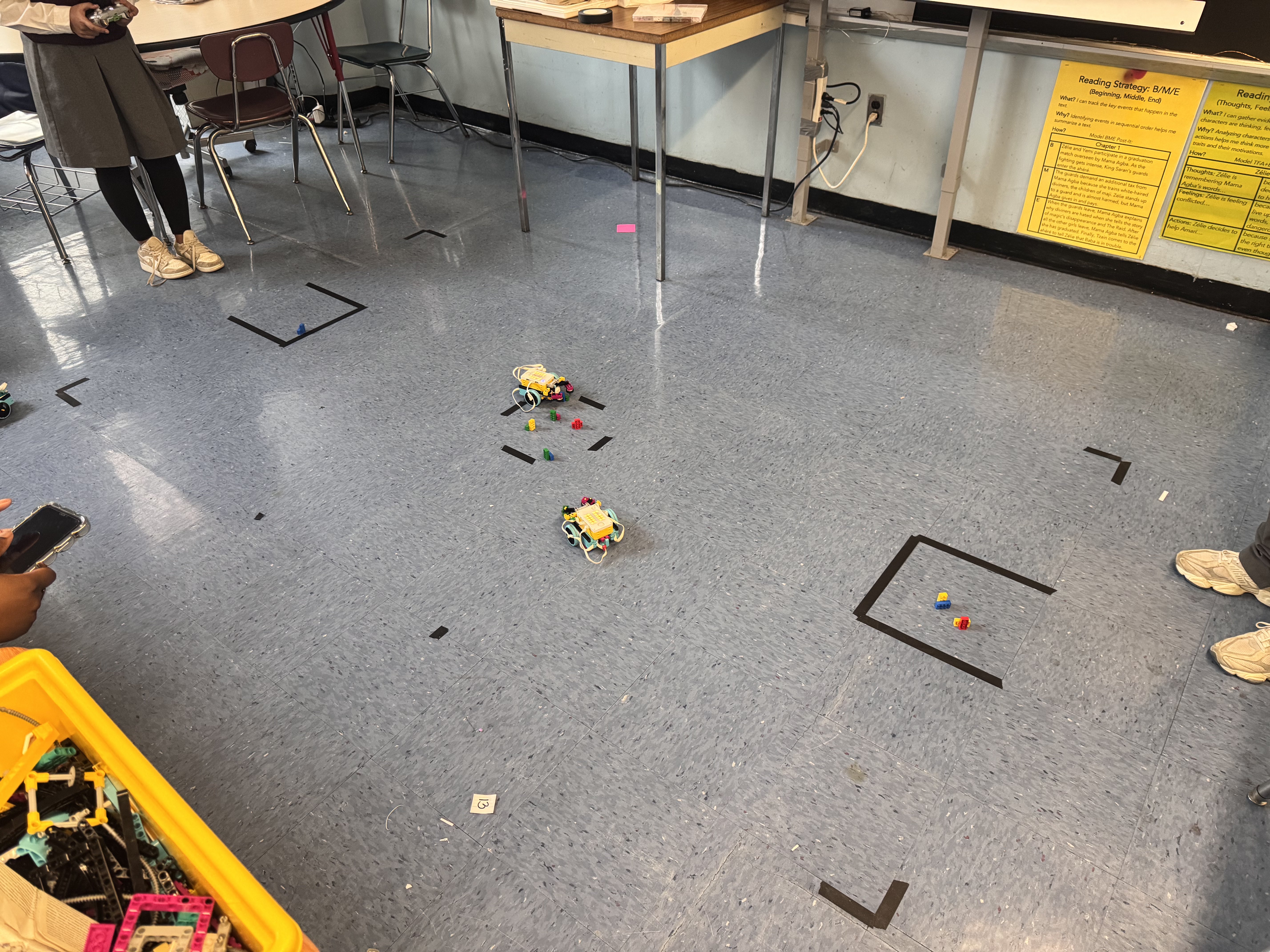
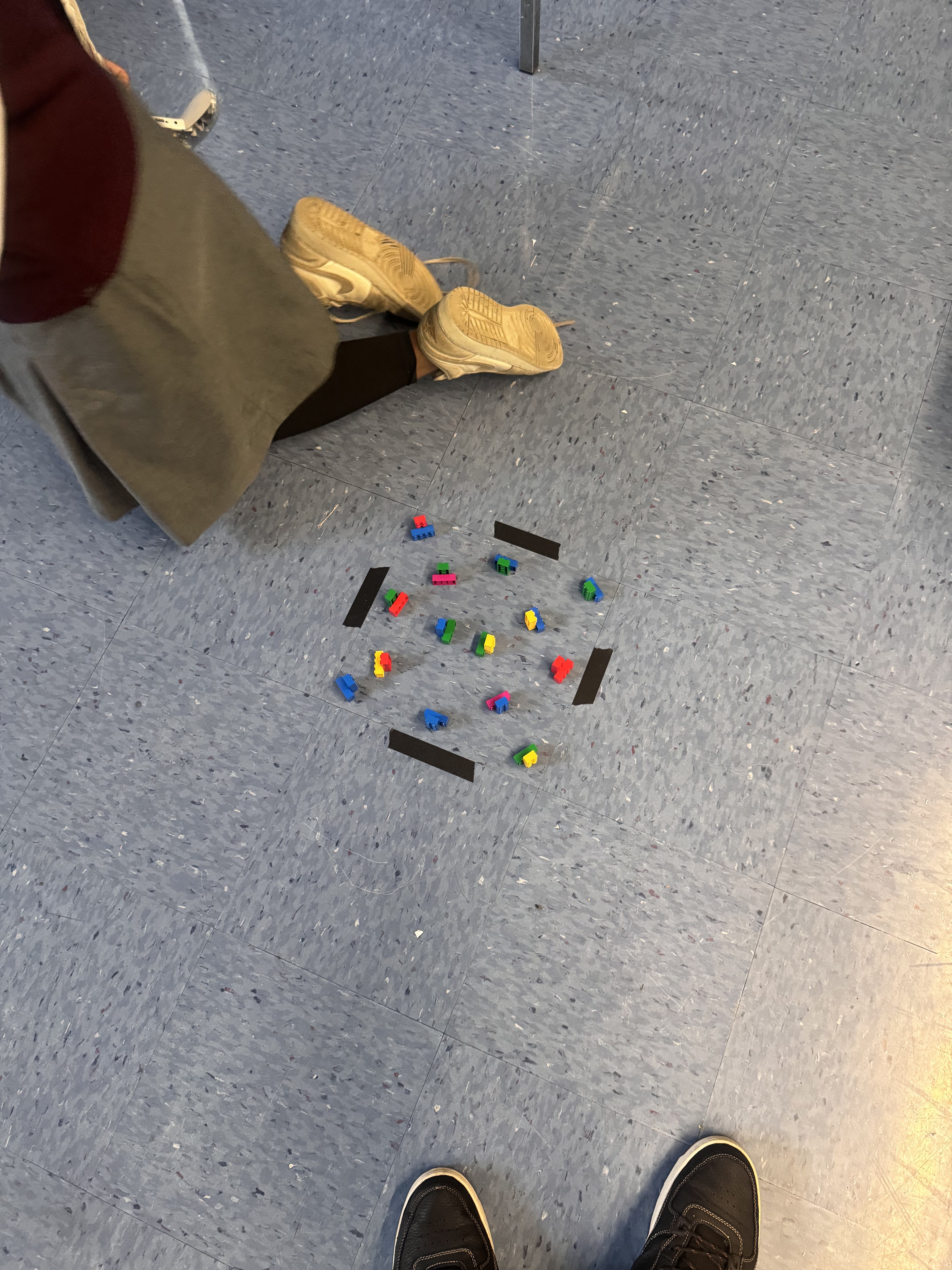
Scholars setting up the game
Scholars trying out the game
They even figured out they could attach a marker and make the robot draw.
Drawing with the robot
The showcase brought staff, parents, and scholars from other schools to see what they had built.
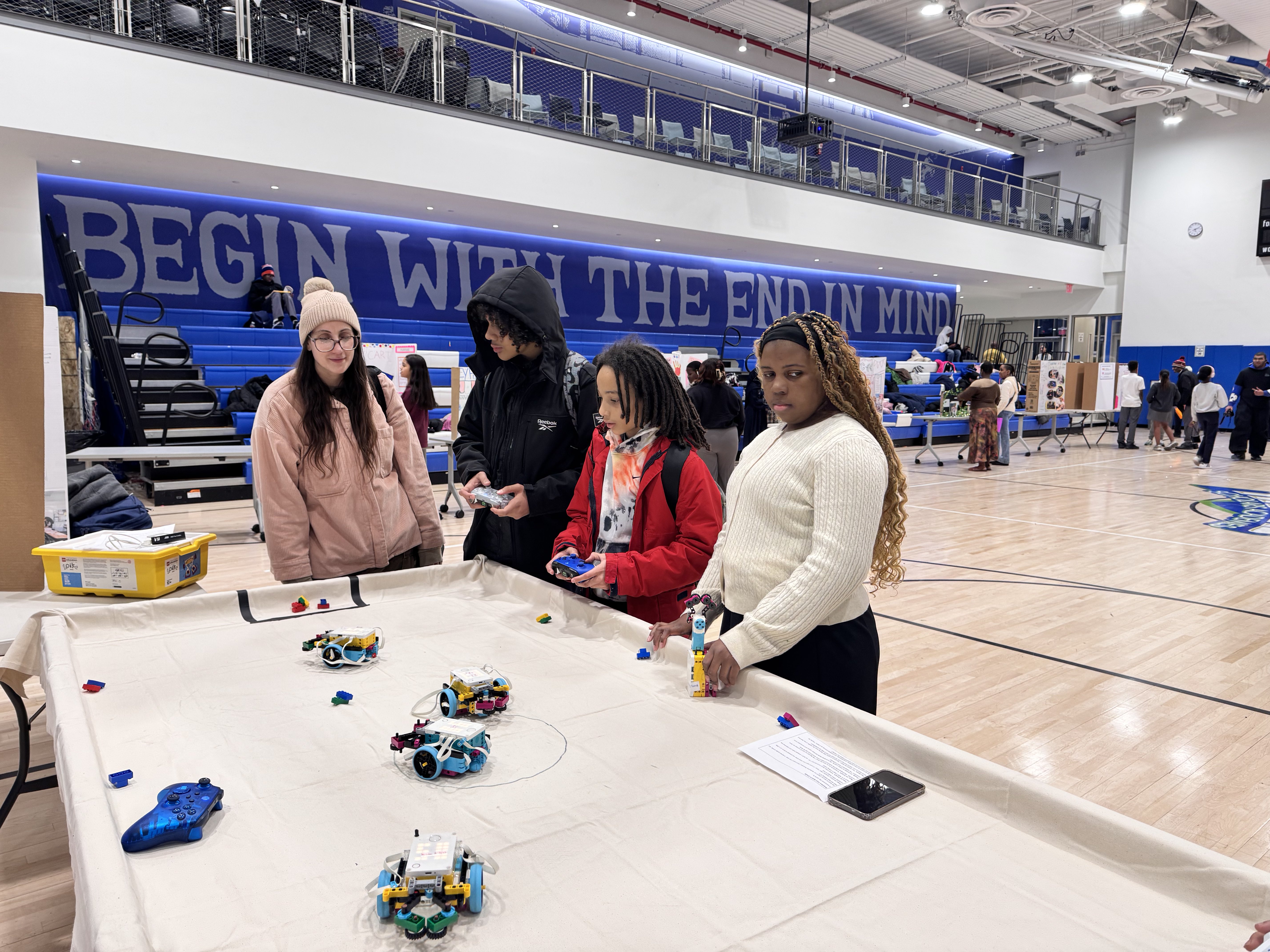
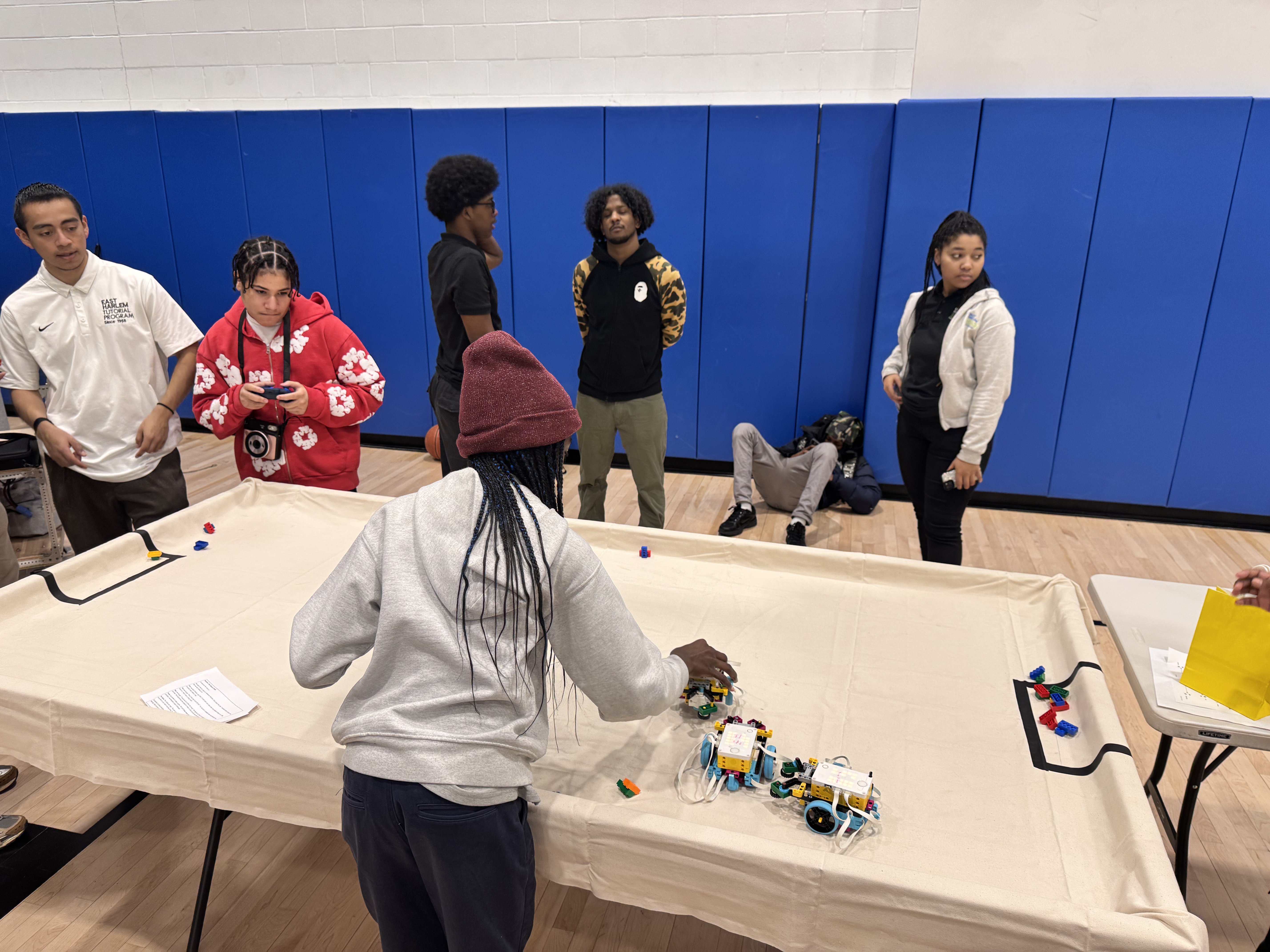
Visitors engaging with the project at the showcase
| Category | Links |
|---|---|
| Full index | Files.md |
| Project car code | car_devine.py |
| Line follower | Line_Following.llsp3 · Line_Following_mid1.llsp3 |
| Driving base | DriveBase_1.py |
| Project car reference | project-car/reference/ |
| Project car images | project-car/images/ |
| Project car videos | project-car/videos/ |
| Line follower media | line-follower/videos/ |
| 2025-2026 media | driving-base-gripper/ |
| Showcase photos | showcase/images/ |
Scholars who walked in not knowing what to expect, and walked out having built something they were proud of. I just helped them find the way.